
Discover Financial Services NetSuite Workflow: A Better Way to Handle Reconciliation From Statement PDFs
See how to convert Discover statement PDFs into structured transaction files for NetSuite, improve reconciliation quality, and reduce recurring spreadsheet work during close.
Reconciliation gets slower every time statement data enters the process in a messy format. That is the real problem behind many Discover and NetSuite workflows. The team has the source statement, but the data inside it is locked in a PDF. Before anyone can reconcile balances or investigate exceptions, someone has to turn the PDF into rows, clean the rows, standardize the columns, and make sure the resulting file can be trusted. If that step is unreliable, everything downstream becomes harder.
The goal of a good Discover Financial Services NetSuite workflow is not just to get transactions into the ERP. It is to make reconciliation easier. That means the input file has to be clean enough that reviewers can focus on unmatched items, suspicious entries, timing differences, and real accounting questions instead of spending time fixing broken dates or deleting summary rows. Parse My Statement helps at the beginning of that process by converting statement PDFs into structured outputs that are much easier to validate and move into finance workflows.
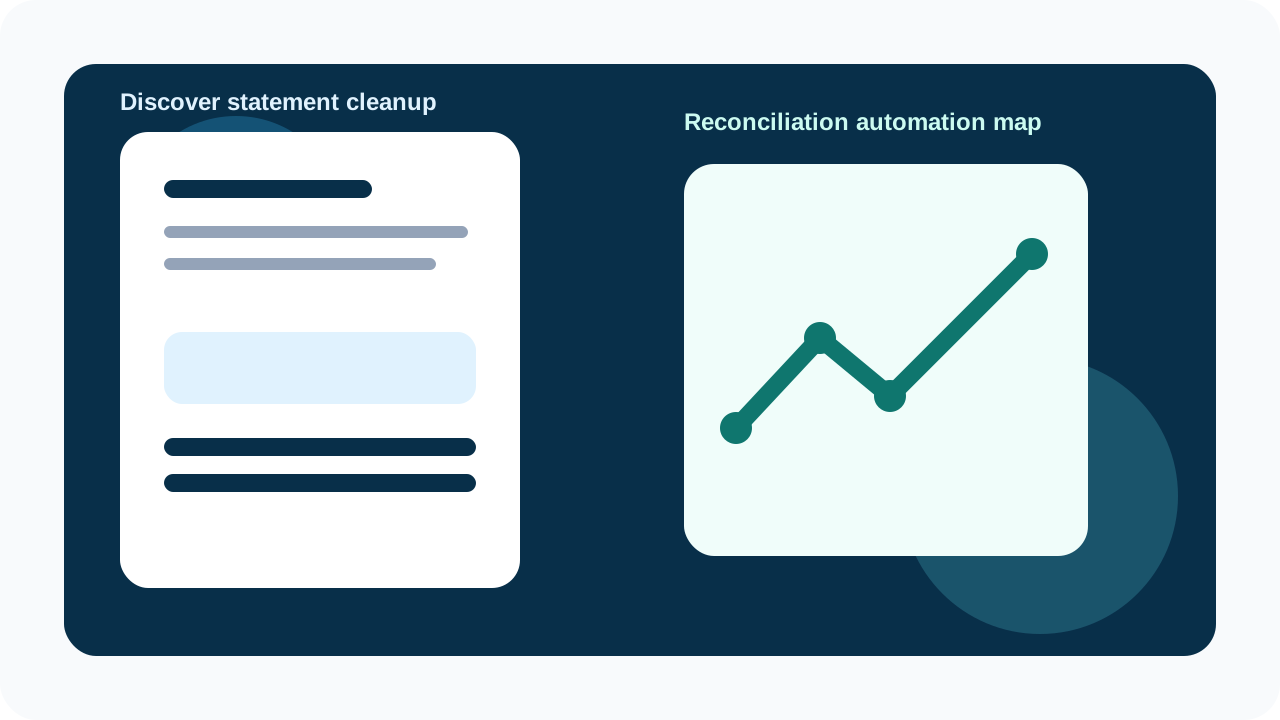
A reconciliation workflow only works well when the statement intake step is reliable. This is why structured exports matter before the data ever reaches NetSuite. You can explore adjacent workflows in the guides hub and the tools hub.
Why reconciliation problems often begin before NetSuite
Teams often talk about reconciliation automation as if it starts inside the accounting system. In practice, it starts much earlier. If a Discover statement is converted badly, NetSuite will only receive cleaner-looking chaos. Dates may be inconsistent, descriptions may lose detail, and amounts may be incorrectly signed. Once that happens, the reviewer can no longer trust the source file. Instead of automating reconciliation, the business has automated uncertainty.
That is why the statement conversion step deserves serious attention. A well-structured export gives the finance team a clean base for matching, categorization, and review. A weak export creates extra exception handling and false mismatches. If you are trying to reduce reconciliation time, the first question should be: is our statement data arriving in a format the team can trust?
What a good Discover to NetSuite process looks like
- Keep the original Discover PDF statement as the source of truth.
- Extract the statement into structured data using Parse My Statement.
- Review the exported rows for dates, descriptions, amounts, and balances.
- Remove page summaries, artifacts, and non-transaction lines.
- Map the clean export into the NetSuite structure used by your team.
- Run reconciliation checks before treating the import as complete.
This process is simple on purpose. Finance teams do not need more operational complexity. They need a workflow they can repeat every month without inventing new spreadsheet fixes. By splitting extraction, validation, and mapping into clear steps, the team keeps control over the process and can isolate problems faster. If a line fails to import, it is easier to see whether the issue came from the source statement, the parsed output, or the import template.
What the reconciliation team needs from the export
A reconciliation-friendly export is not just a list of transactions. It is a file that preserves enough structure to support fast review. Reviewers need true dates, usable amounts, readable descriptions, and ideally balance context. If any of those are weak, the reconciliation process slows down because the team has to cross-check the PDF constantly. The more often reviewers have to jump back to the statement, the less effective the automation really is.
- Dates should sort correctly and import as date fields, not plain text.
- Amounts should stay numeric and follow one consistent sign convention.
- Descriptions should preserve enough detail to help identify the transaction.
- Balance information should remain available when present on the statement.
- The export should be free of decorative headers, repeated column names, and totals rows.
CSV versus Excel for reconciliation-heavy teams
Finance teams often ask whether they should use CSV or Excel before loading Discover statement data into NetSuite. The answer depends on what happens right before the import. CSV is usually the better handoff format for systems because it stays clean and predictable. Excel is better when a reviewer wants to filter, annotate, add formulas, or check suspicious transactions before the import step. That is why many teams keep both outputs from the same statement extraction.
| Format | Typical role | Best for |
|---|---|---|
| CSV | System-friendly handoff file | Import preparation and downstream mapping. |
| Excel | Human review workbook | Filters, formulas, comments, and review checkpoints. |
| JSON | Custom process input | Engineering or RevOps workflows outside standard accounting imports. |
This is also where internal process maturity shows up. Teams with a stable workflow know which format is canonical and why. Teams without one often bounce between file types and end up recreating the same cleanup work in different tools. A good statement conversion process should reduce that confusion, not add to it.
Validation steps that prevent reconciliation pain later
A quick review before import saves far more time than it costs. The right checks depend on your workflow, but the fundamentals stay the same. You want to confirm that the file is complete, the transaction values are plausible, and the balances line up with the source statement. Once those checks pass, the reconciliation process becomes much more predictable.
- Confirm opening and closing balances match the Discover statement.
- Check whether the number of transactions makes sense for the period.
- Review a sample of charges, credits, fees, and payments.
- Filter for blanks, zeros, duplicated descriptions, and malformed rows.
- Test import a smaller sample if your team is using a new mapping template.
Important reminder A successful import is not the same thing as a successful reconciliation. The data should still be checked against the original statement before the period is closed.
How this workflow helps during month-end close
During close, bad inputs are expensive because they waste the time of your most valuable reviewers. If Discover statement data arrives in a structured and validated format, the team can spend its energy on real issues like timing differences, duplicate charges, unusual activity, and unreconciled balances. If the data arrives messy, that same team spends its time rebuilding the source file instead. The entire close process gets dragged down by work that should have happened before reconciliation even started.
This is why finance teams should think of statement conversion as part of reconciliation operations, not a separate technical step. If the intake process improves, the reconciliation process improves with it. That is the connection a lot of generic automation content misses, but it is the part end users care about most because it directly changes how much work they have to do every month.
How to set up a monthly operating process
The most reliable workflow is one that does not depend on memory. Create a short close checklist for Discover statement intake: collect the source PDF, extract the transactions, run the same validation checks, save the canonical export, then move the file into NetSuite preparation. Once those steps are written down, another team member can repeat them without reverse-engineering last month's spreadsheet. That is a big operational improvement, especially in growing finance teams where work needs to be shared or delegated.
It also makes the audit trail much cleaner. If the original statement, parsed export, review workbook, and import-ready file are stored together, the team can answer questions later without rebuilding history. That is good practice whether you are a small team or a larger finance operation with more formal controls.
What to look for in a solution
If you are evaluating a tool for this workflow, focus on practical fit. Can it reliably turn the statement into structured data? Can the team review the output before import? Does it support the file types your process needs? Does it reduce spreadsheet work or just hide it until later? These questions matter more than broad claims about automation because they reflect what the user actually has to do after the file is generated.
- Supports statement-to-CSV and statement-to-Excel workflows.
- Keeps row-level data easy to review before import.
- Fits into the team's existing NetSuite preparation process.
- Reduces recurring manual cleanup from one close cycle to the next.
- Creates a clearer audit trail around statement data.
See how the statement conversion step works
Explore the statement workflow
Why this matters even for teams with a workaround already
Many finance teams already have a workaround. Someone extracts data manually, cleans it in Excel, then uploads it into NetSuite. The problem is not that this never works. The problem is that it keeps costing time, creates inconsistency between operators, and makes reconciliation more fragile than it should be. If the business is repeating that same cleanup cycle every period, then the workflow is leaving efficiency on the table.
A proper Discover NetSuite workflow is about removing that repeated effort. It gives the team a cleaner input, a faster review path, and more confidence in the statement data before reconciliation begins. That is the outcome end users care about. They do not want another content page about automation. They want fewer hours lost to manual cleanup and fewer surprises during close.
FAQ
How do I use Discover statements in a NetSuite reconciliation workflow?
Start by converting the PDF into structured transaction data, validate totals and row quality, then map the cleaned export into your NetSuite import process before running reconciliation checks.
Why is statement conversion so important for reconciliation?
Because bad statement data creates false mismatches, broken descriptions, and sign errors that slow down reconciliation. Cleaner input means reviewers can focus on true exceptions instead of repairing the source file.
Should I review the Discover export before importing it into NetSuite?
Yes. A short review for balances, transaction count, signs, and malformed rows helps catch the issues that create reconciliation pain later.
Stop retyping bank statements
Convert PDF bank statements to clean CSV, Excel, or JSON in 30 seconds — no signup required to try.
Try ParseMyStatement FreeFAQ
How do I use Discover statements in a NetSuite reconciliation workflow?
Start by converting the PDF into structured transaction data, validate totals and row quality, then map the cleaned export into your NetSuite import process before running reconciliation checks.
Why is statement conversion so important for reconciliation?
Because bad statement data creates false mismatches, broken descriptions, and sign errors that slow down reconciliation. Cleaner input means reviewers can focus on true exceptions instead of repairing the source file.
Should I review the Discover export before importing it into NetSuite?
Yes. A short review for balances, transaction count, signs, and malformed rows helps catch the issues that create reconciliation pain later.